APPENDIQ / PRODUCT TUTORIALS
Learn the workflow.
See every step.
From your first CSV to a reviewed result.
Short walkthroughs, real screens, and a safe sample file.
Six fictional records · For training only · Never call or message these contacts
Actual AppendIQ screens, fictional clients and records. Screenshots use local simulated responses. No live provider results, customer data, or charges.
 01
01IMPORT / 4 MIN
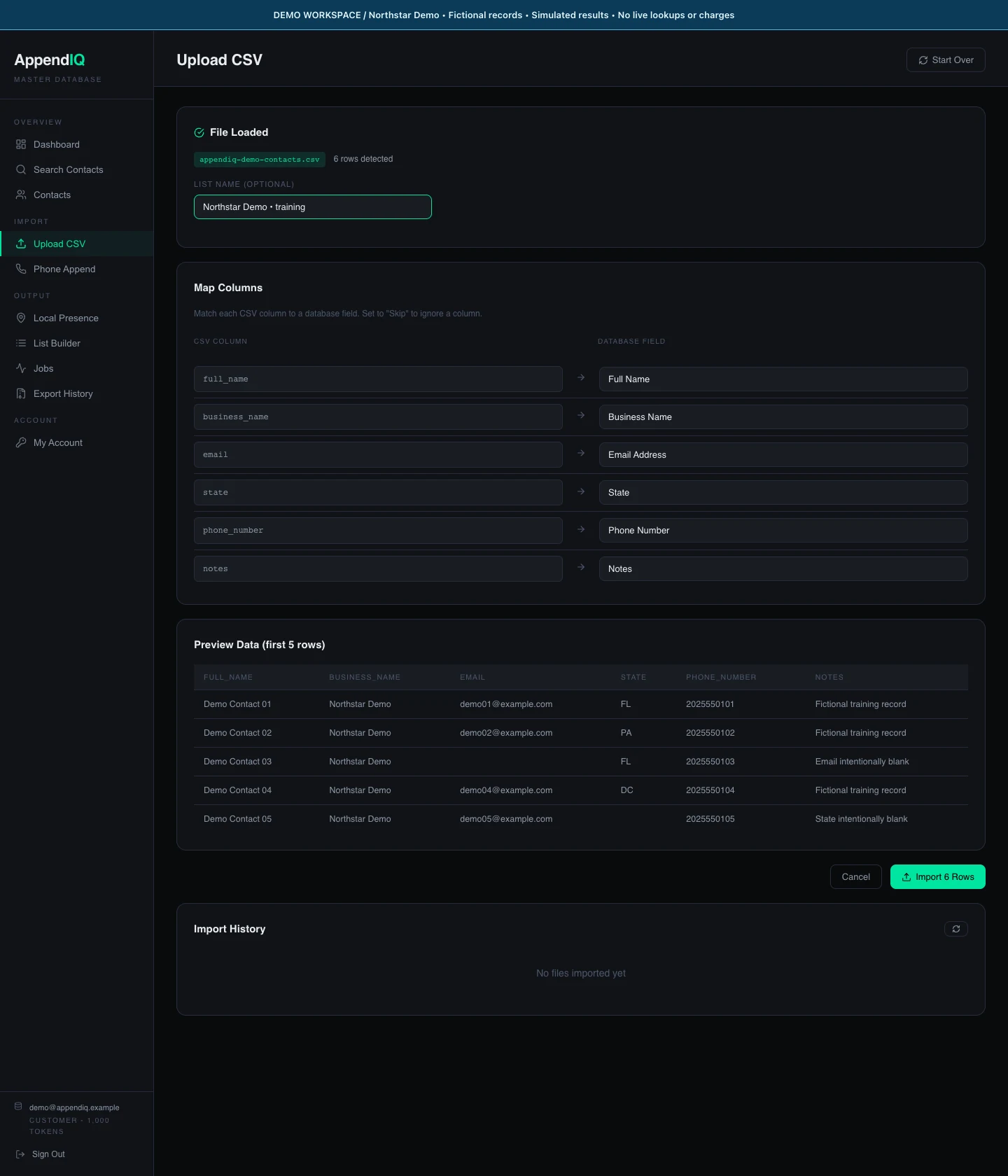
Import a CSV and map its columns
Prepare a small file, check the suggested mapping, and give the import a recognizable list name.
Follow the steps ↗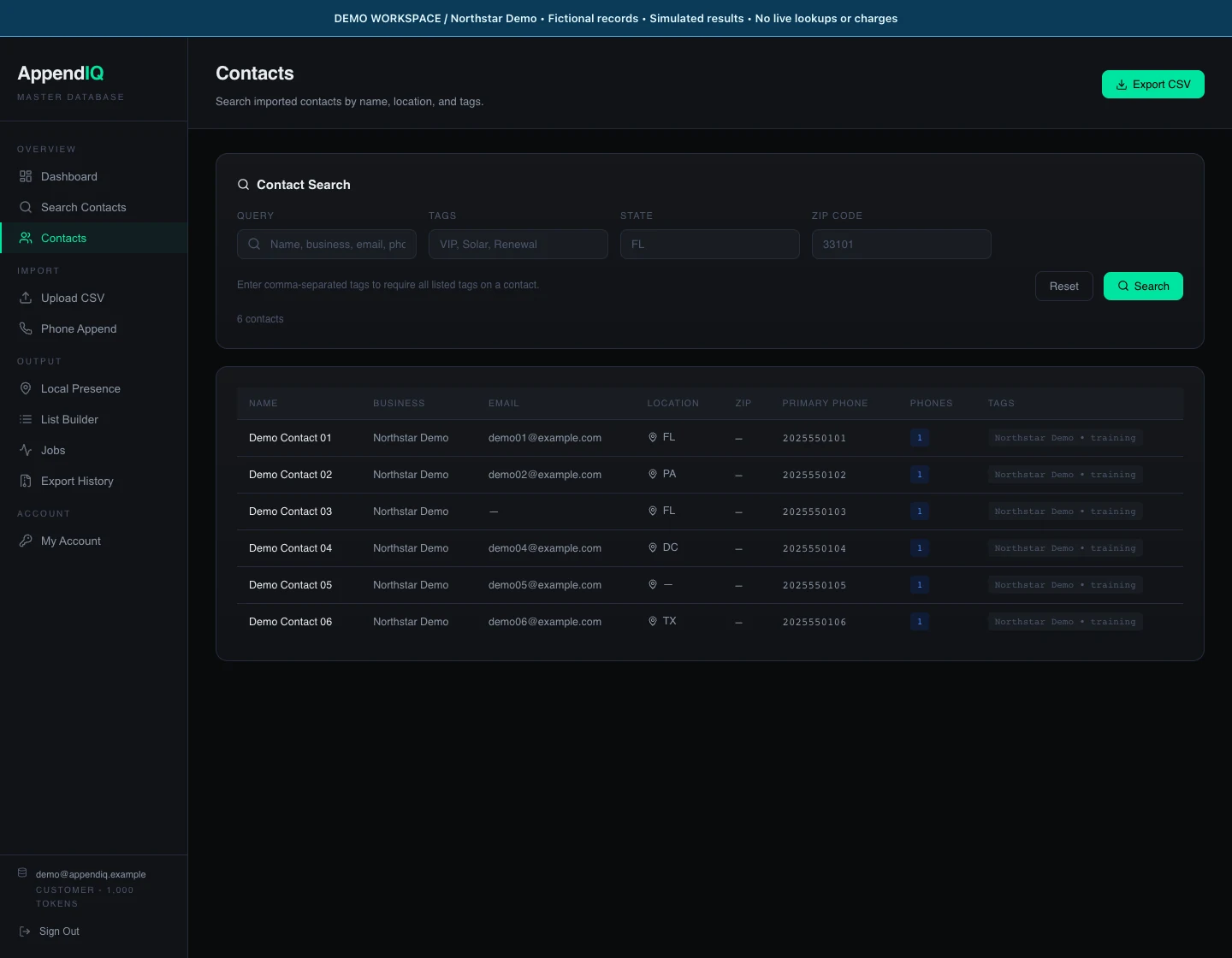 02
02REVIEW / 3 MIN
Review an import and find missing fields
Read import counts and coverage, then inspect the contact rows without confusing missing data with a failed import.
Follow the steps ↗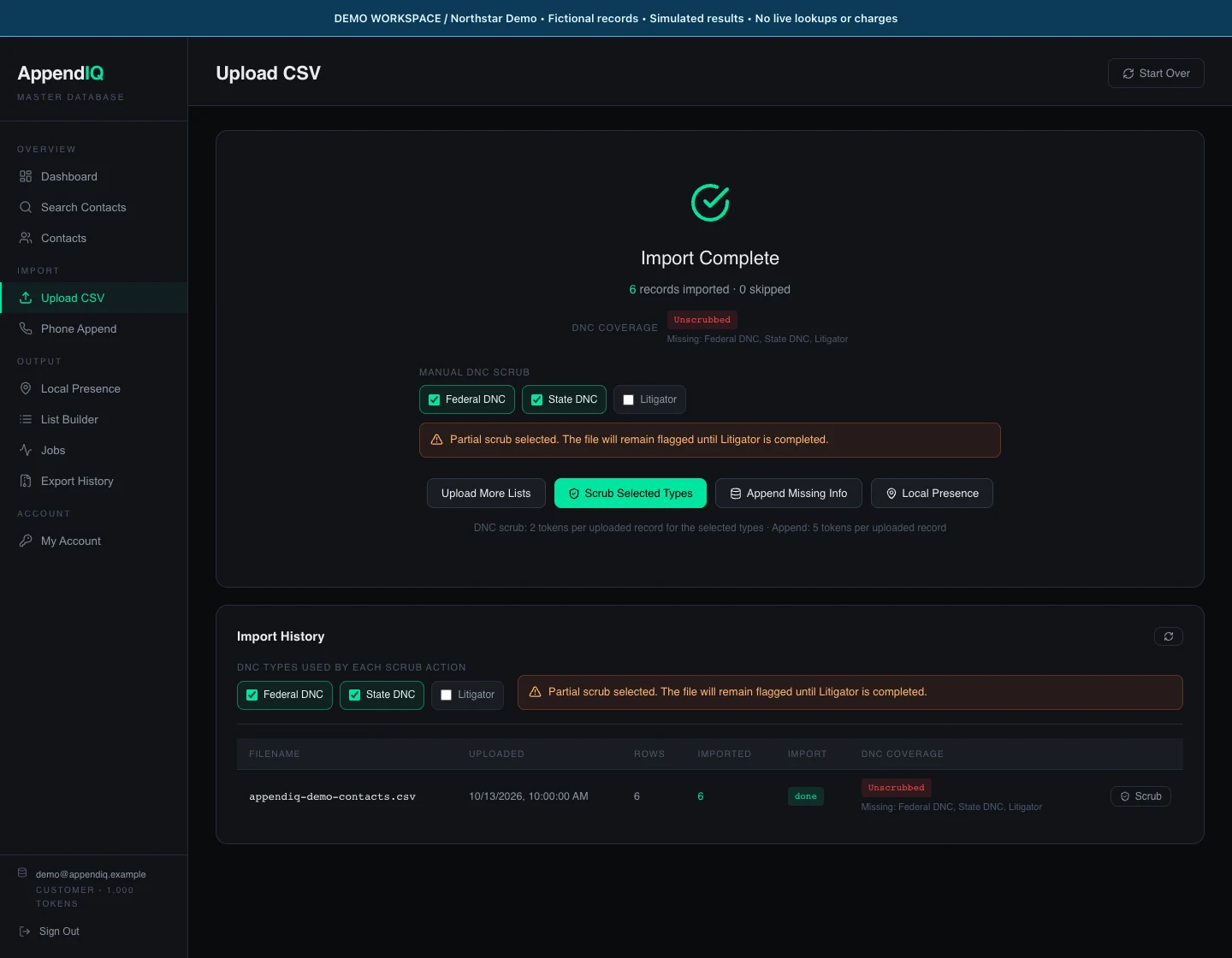 03
03SCREENING / 4 MIN
Choose screening types and read the results
See Federal DNC, State DNC, and Litigator selections, then interpret a simulated job summary and its coverage limits.
Follow the steps ↗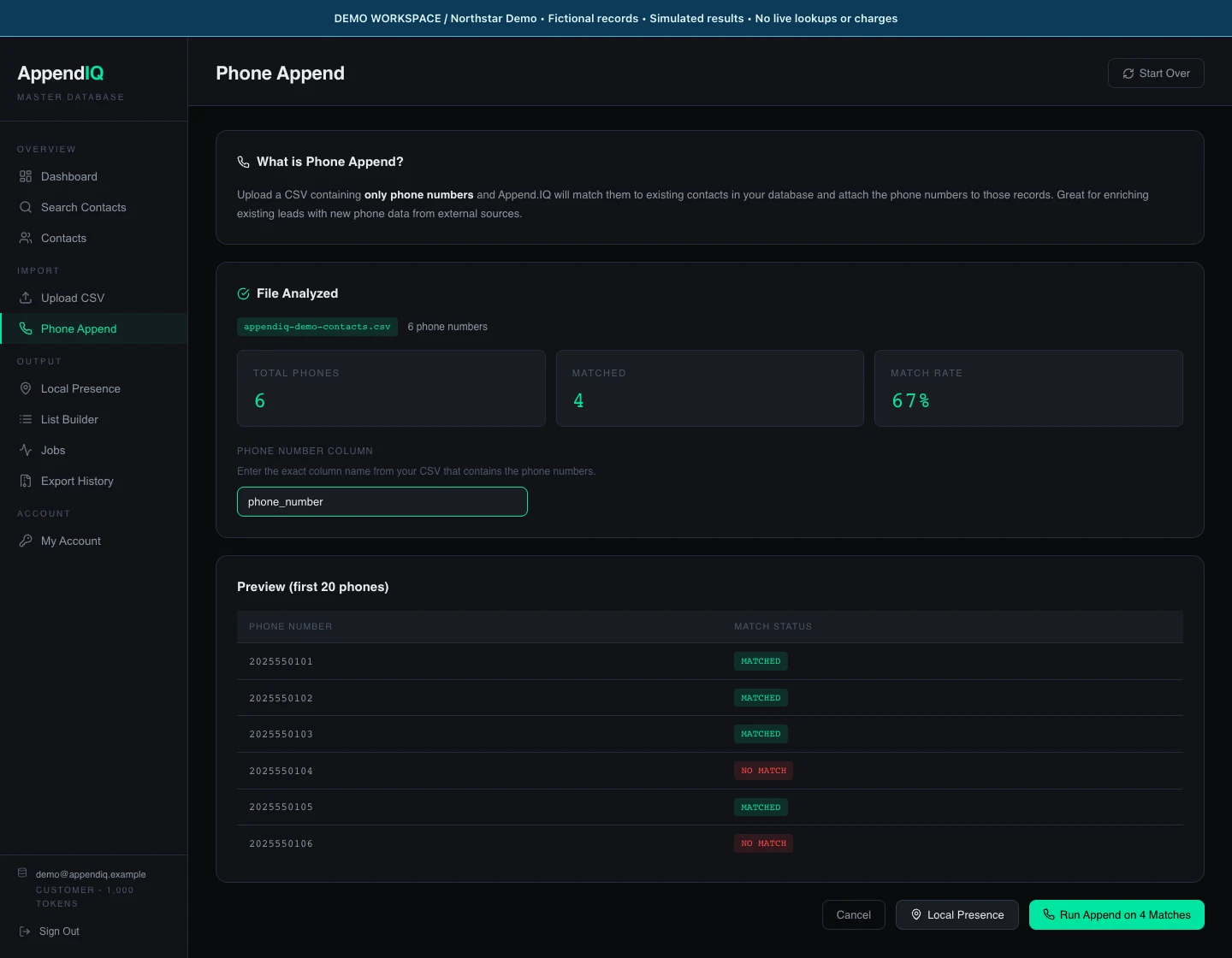 04
04ENRICHMENT / 3 MIN
Preview an append and review enrichment
Select the existing phone-number column, inspect a simulated match preview, and read the completed append summary.
Follow the steps ↗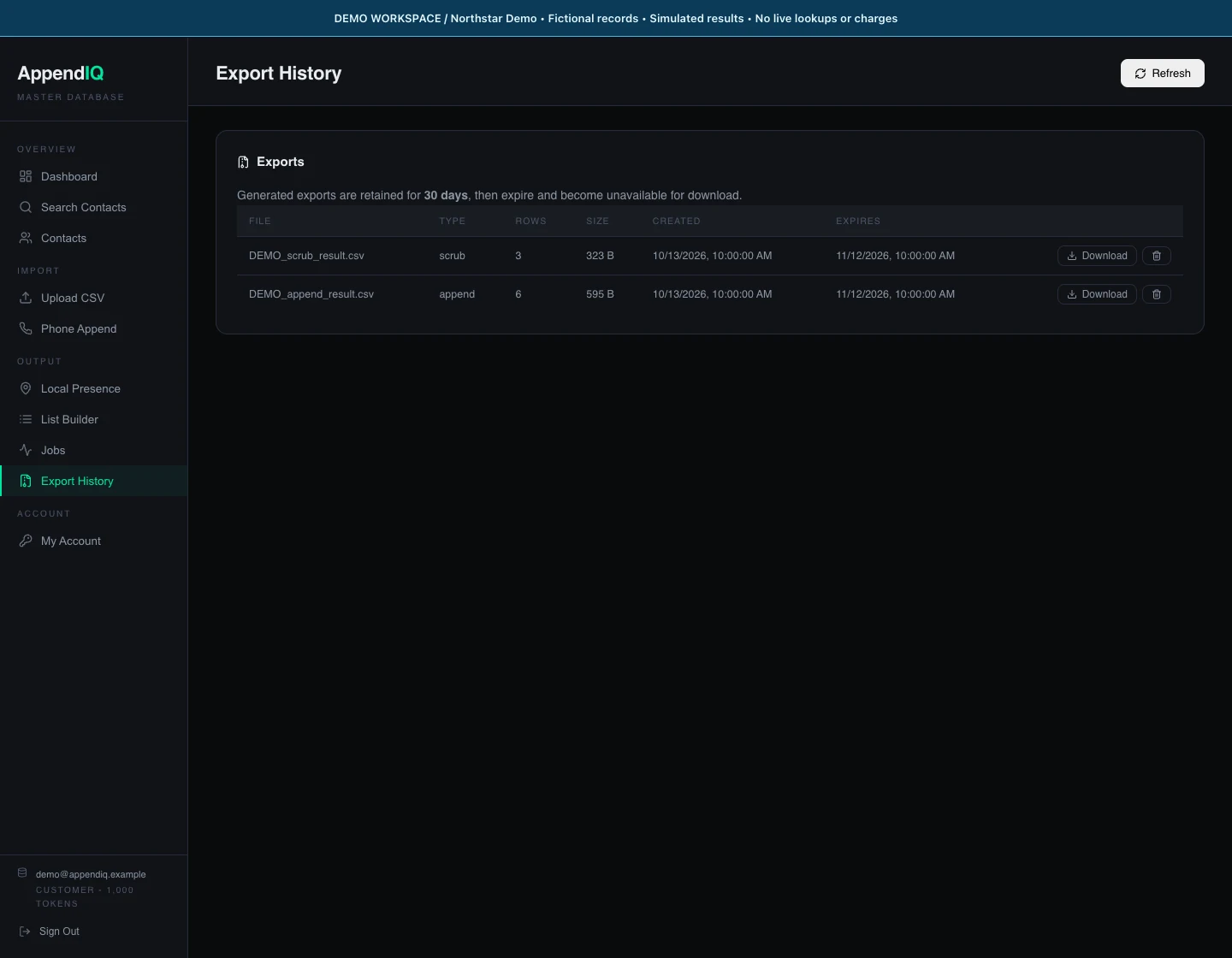 05
05EXPORT / 2 MIN
Download and check a completed result
Find available result files, download the right artifact, and compare its rows with the completed job.
Follow the steps ↗Meet the fictional workspace used in these tutorials
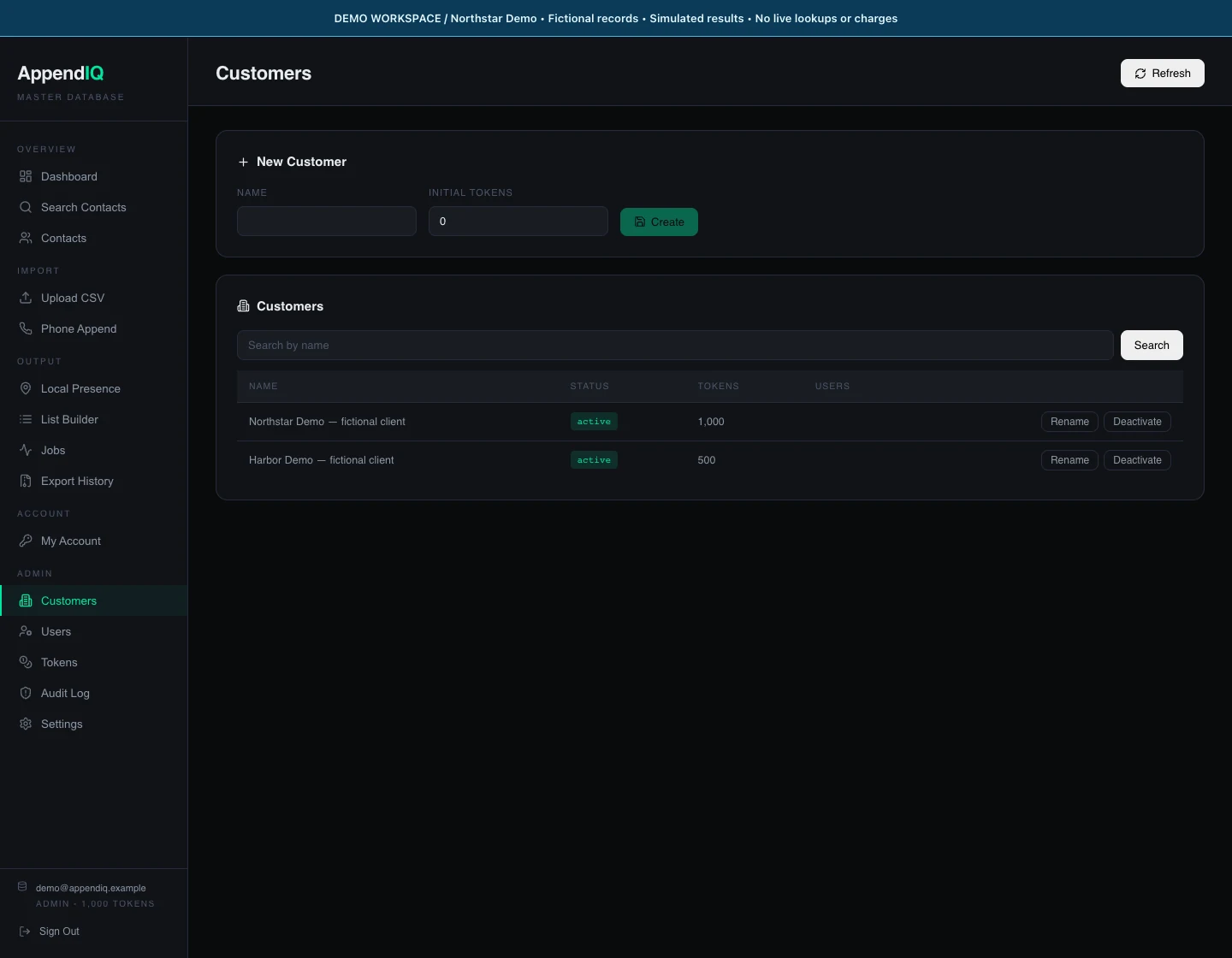
Northstar Demo and Harbor Demo are local fixtures, not customer accounts. The demo operator uses a reserved .example identity. App controls are unchanged; only the local responses and the visible demo banner were supplied for the capture.